Quick start
Keep a master copy
Do not work in the original download. Duplicate the workbook first.
Choose Excel or Google Sheets
Excel: open the .xlsx directly. Google Sheets: upload the .xlsx to Drive, open it with Google Sheets, and save a native copy.
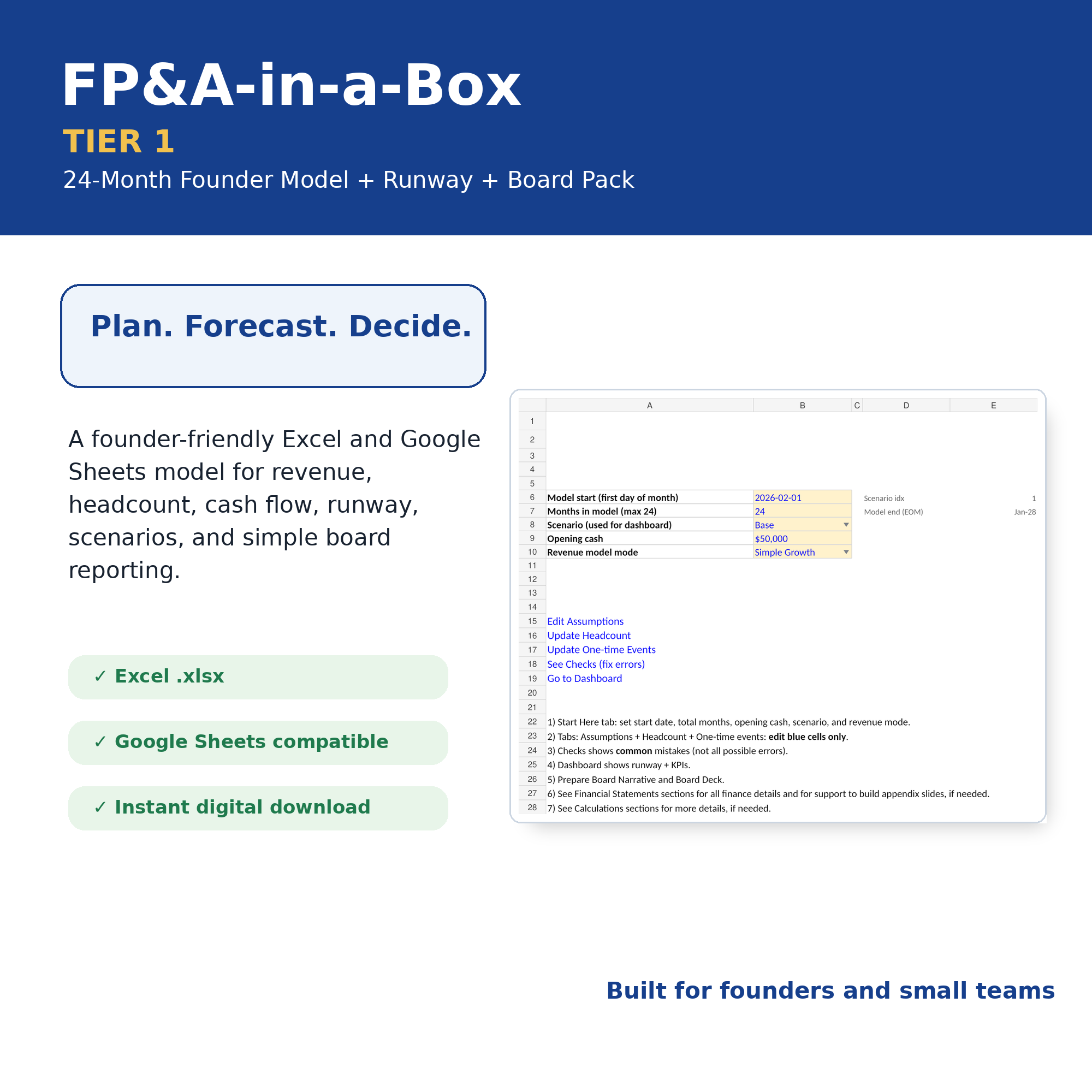
Complete Start Here
Enter model start, forecast months, scenario, opening cash, and revenue mode.
Edit blue input cells only
Update Assumptions, Headcount, and One-Time Events. Avoid overwriting formulas.
Review Checks and outputs
Resolve checks before relying on the runway, scenarios, P&L, cash flow, or board pack.
What Tier 1 support includes
Included
Download/access issues, confirmed defects in the original file, and clarification of documented inputs.
Not included
Custom modeling, data entry, accounting/tax advice, financial advice, integrations, or adapting the model to your business.
Response target
First response within three business days after a complete support request is received.
Frequently asked questions
Why is cash different from profit?
Profit is accrual-based. Cash depends on collection timing, payment timing, payroll timing, financing, and opening cash. Review Cash Timing and Cashflow.
Why is runway negative?
The model is forecasting cash below zero. This is a valid warning, not necessarily a formula error. Review assumptions, timing, hiring, and financing.
Can I use this for client work?
No. Tier 1 is licensed for one named user and one legal entity for internal use. A future consultant/commercial license will cover client work.
Can you customize the model?
Customization is not included in Tier 1. Higher tiers may include implementation guidance or defined customization.
What information should I send?
Order email, platform, workbook version, Excel/Google Sheets, tab, cell, screenshot, and exact reproduction steps. Redact confidential data.
Generate a structured support request
This form does not store data. It creates a preformatted email in your browser. Replace the support email in config.js before publishing this hub.
Need more support?
Future tiers can include faster response times, implementation guidance, team licensing, advanced models, and onboarding. Join the upgrade waitlist.